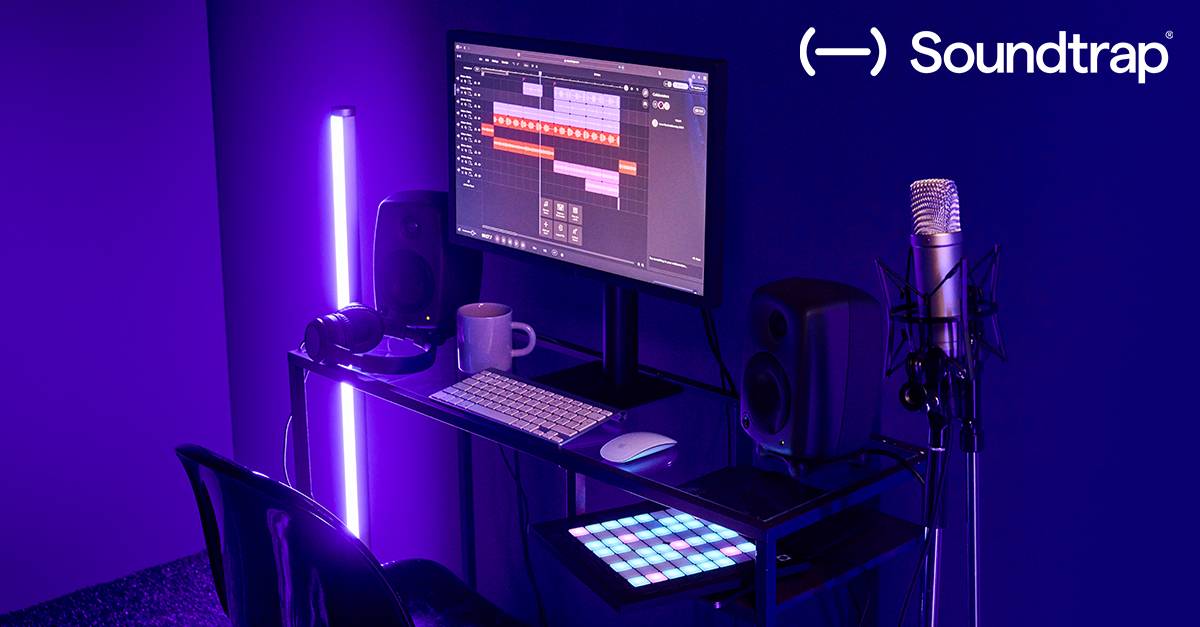
Soundtrap Update: Third-Party VST3 & AU Effects Now Supported in Collaborative Projects
Soundtrap has introduced support for third-party VST3 and AU effects, allowing remote collaborators to hear processed audio without needing the same plugin installed locally.
Real-Time Plugin Rendering for Remote Sessions
Soundtrap has rolled out a significant update to its collaborative music production platform, introducing native support for third-party VST3 and AU effects. This feature addresses a long-standing limitation in cloud-based DAWs where remote collaborators often could not hear the exact sonic character of a producer's local effects chain. With this update, you can now load effects already installed on your computer and share the processed audio stream with collaborators in real-time, ensuring everyone hears the same mix regardless of their local hardware or software library.
How the Audio Processing Works
The core of this update lies in how Soundtrap handles the audio signal chain. When you apply a third-party VST3 or AU effect to a track, the plugin processes the audio locally on your machine. The resulting processed audio is then streamed to your collaborators, who hear the final output without needing to install or license the specific plugin themselves. This is particularly useful for producers who rely on niche or expensive effects that their collaborators may not own, allowing for seamless feedback loops on tone and texture without the friction of file exchanges or plugin sharing.
Workflow Integration for Producers
This feature integrates directly into the existing Soundtrap interface, meaning you can drag and drop your favorite VST3 or AU plugins onto tracks just as you would in a traditional DAW like Ableton Live, FL Studio, or Logic Pro. The update supports standard plugin formats, making it compatible with a wide range of audio software from major developers and independent creators. For producers working in hybrid workflows, this means you can maintain your local plugin ecosystem while leveraging the collaborative strengths of the cloud platform.
Compatibility and System Requirements
To use this feature, ensure that your operating system supports the respective plugin format (VST3 for Windows and macOS, AU for macOS). The plugins must be installed and recognized by your system before they appear in the Soundtrap plugin browser. While the processed audio is shared with collaborators, the plugin itself remains local to the host machine, preserving licensing integrity and reducing bandwidth overhead associated with streaming raw plugin data.
Getting Started with Soundtrap
You can access this new feature by opening a collaborative project in Soundtrap and selecting a track. In the effects rack, choose the option to load a third-party plugin. Browse your installed VST3 or AU libraries, select your desired effect, and adjust parameters as usual. Your collaborators will immediately hear the changes in their session view, enabling real-time creative decision-making.
Related Stories

© 2026 Producer Toy Editorial & respective rights holders. All brand names, logos, and product trademarks are the property of their respective developers.